Expense management that doesn't feel like expense management.
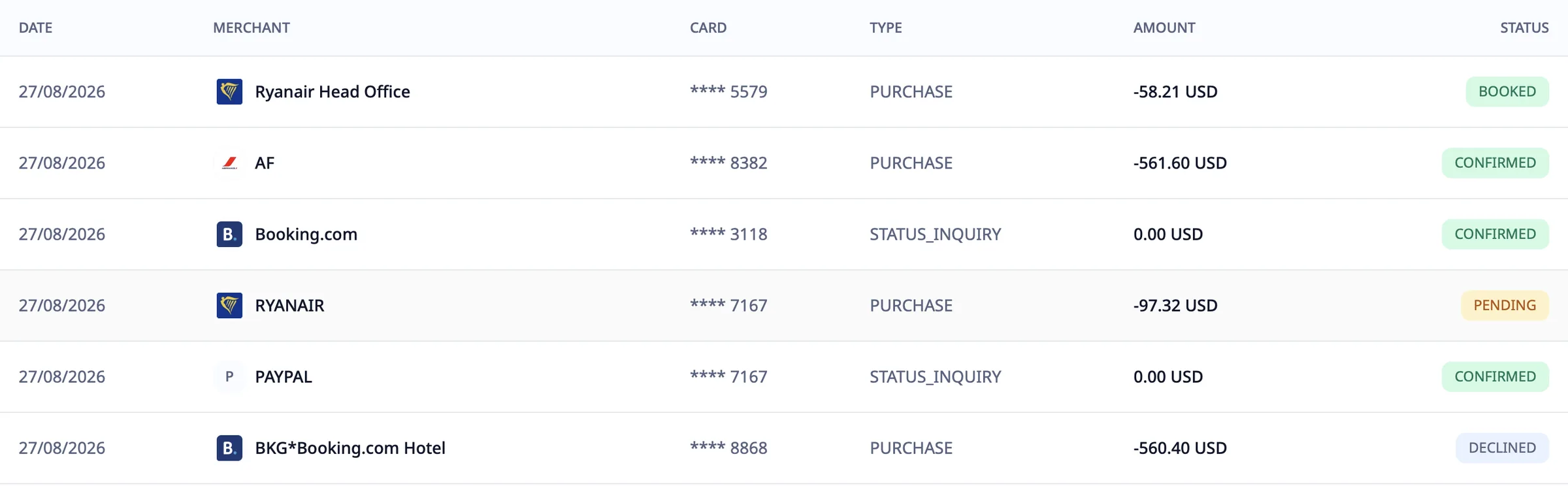
From receipt to GL — automated. Travel Code captures every transaction, matches every receipt line by line, enforces policy in real time, and syncs to your accounting system. Use our cards or connect yours. Your finance team approves; the platform does the rest.
Capture. Approve. Sync.
Three jobs your finance team does every month, in one product.
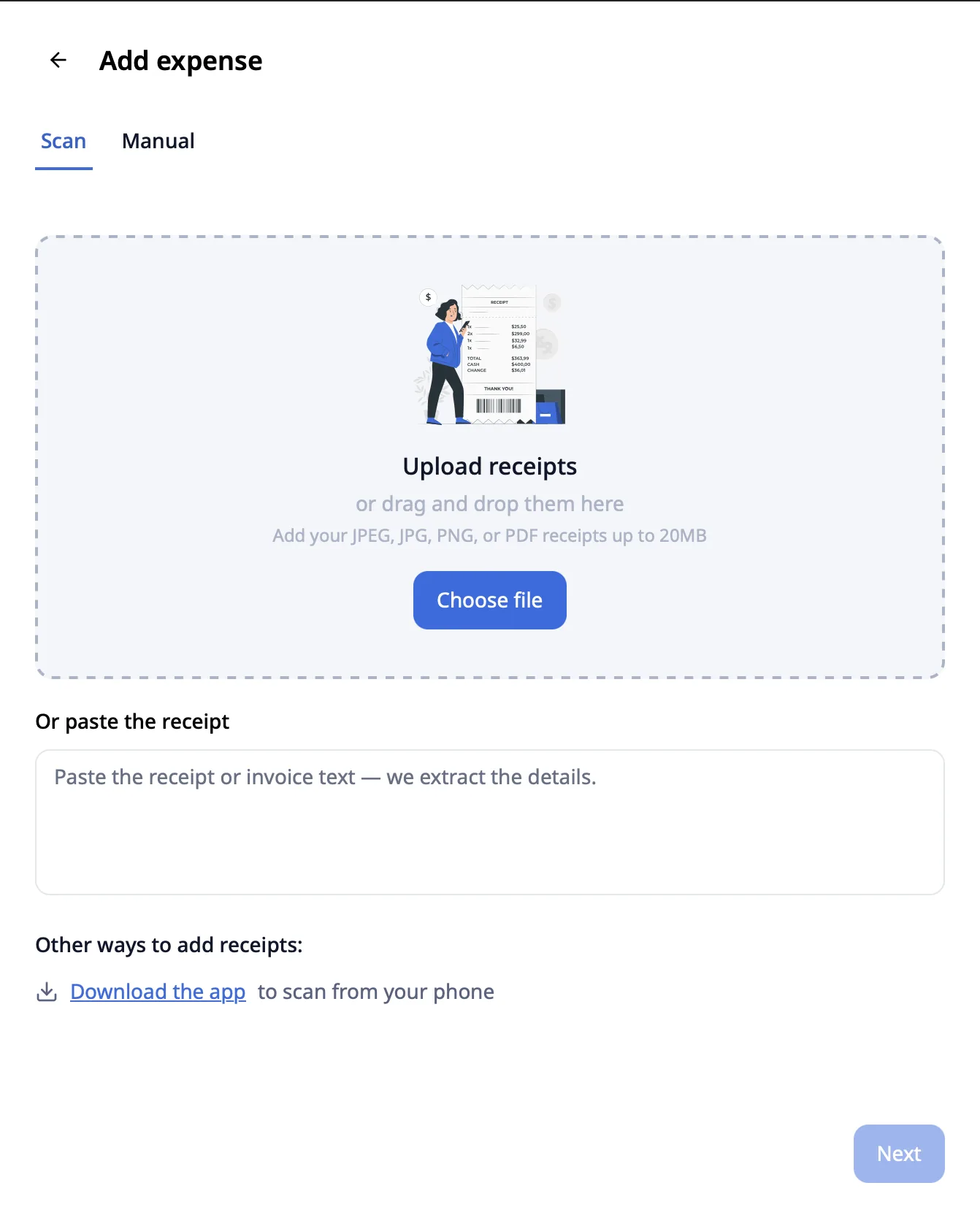
Itemized OCR scans every line of every receipt — not just the total.
Auto-matches to card transactions in real time. Drag-and-drop, photo, or email — pick your input.
Multi-tier approval workflows with auto-escalation.
Custom roles. Out-of-policy items flagged automatically. Dual approval for over-limit spend.
Direct sync to QuickBooks, Xero, NetSuite, SAP.
Auto-categorization at the line-item level. Audit-ready GL postings with timestamps and decision logs.
Approve the steak. Decline the personal soda.
Most expense platforms read receipt totals only — approve the whole thing or reject it. Travel Code reads every line. Approve what's in policy. Decline what isn't. Automatically.
Line-item visibility doesn't just make policy enforcement work — it makes audits painless. Every approval decision is logged with the line, the rule, and the approver. Your CFO sleeps better. Approvals stop waiting on paperwork, so reimbursements clear as soon as they're approved.
of every receipt
the line, the rule, the approver
Stop running reports. Just ask.
Robert is your AI agent for expense data. Anyone — within their permission level — can ask in plain language and get an answer in seconds, with the audit trail attached.
Policies that work at booking time. Not at month-end.
Travel Code enforces your policy in real time — during the booking, not weeks later when reconciliation reveals violations you can't reverse.
Multi-tier approvals.
Workflows with 1, 2, or 3 levels of approval. Configure by amount, department, traveler, or trip type. One approver — or all required.
Auto-escalation.
Approver doesn't respond in N hours? Auto-escalates to the next level. No more delayed bookings because someone's on vacation.
Dual approval.
For over-limit spend or unusual fare classes, require two approvers. Configurable per amount threshold.
Custom roles.
Define exactly what each user can do. Travel Manager, Approver, Admin, Guest Traveler — or build your own.
Want the upgrade? Pay the difference yourself.
Split payments let employees book what they want without breaking policy. Company pays up to the policy limit. Employee pays the rest, automatically, from their personal card.
No more "let me book it personally and submit for partial reimbursement." No more awkward conversations about who's paying for the upgrade. The policy is the policy. The employee gets their preferred room. The CFO gets a clean expense report.
Travelers know how much they have. Always.
Most expense systems hide budgets from the traveler. Travel Code shows them — in the booking flow, in the mobile app, in real time.
Out-of-budget bookings happen because travelers don't know they're out of budget. Show them the number in the booking flow, in the app, and in real time — and most of those bookings never get started.
The reports your CFO actually asks for.
Pre-built. XLSX-exportable. API-accessible. Audit-ready.
Out-of-Policy Report
Every OOP booking, who approved it, why, and the dollar delta from policy limit. XLSX export.
Cost Differential Report
Side-by-side: most logical fare/hotel vs actual booking. Delta with reason for OOP.
CO₂ Report
Total emissions by category, department, traveler. Quarterly comparison. Required for ESG reporting in EU.
RateGuard Audit Log
Every booking with original price, our negotiated price, RateGuard rebookings, and net savings.
Hotel Concentration Report
Which hotels you book most, with negotiated rates per property. Identify RFP opportunities.
Custom Dashboards
Build your own. Combine any data points. Schedule for email delivery. Connect via webhook.
Ready to retire your old expense system?
30-min demo. We'll load a sample policy, show Robert in action, and run an itemized OCR on your last expense report.